 Dodo swap
Dodo swap approval and first-trade confirmation
Dodo swap completes your first exchange only when the swap executes successfully and delivers the intended output to the receiving account. A successful approval grants spending permission for the input token. It does not establish that a trade occurred, even if your wallet displays a confirmation and deducts gas. Identify the transaction behind that notification before submitting anything else. Its operation, execution status, and resulting transfers distinguish completed approval from completed exchange. Before signing the swap, you can still decline the trade. An approval already confirmed has its own consequences: it can leave an active allowance and a network charge, even when you stop there.
A successful approval establishes spending permission; the swap receipt and resulting token balance show whether the exchange completed.
Pausing before the first spending permission
Before approving the input token, establish whether the proposed exchange still matches the account, amount, and output you intend to use. Keep enough of the network’s gas asset available for the required transactions. An input balance alone does not establish readiness. The next wallet request also needs to match the action you expect; approval and swap confirmation authorize different operations.
The trade you intend to authorize
Read the selected input token, output token, network, and receiving account together. Token contracts identify assets more precisely than symbols alone. The quoted output and minimum received describe the exchange conditions. If the amount or recipient differs from your intention, stop before signing and correct the selection. A wallet confirmation is not a substitute for reviewing those terms.
The permission you are about to grant
An approval request identifies a token, spender, and spending limit. DODO’s V2 architecture separates its DODOApprove authorization contract from trading proxies, so the approval spender and swap destination can have different addresses. That separation explains a legitimate difference; it does not make every unfamiliar address acceptable. If the request does not match the intended authorization, leave it unsigned.
Allowance size determines the next approval request
A sufficient existing allowance can remove the need for another approval transaction for that token and spender. A smaller allowance requires an update before the spender can take the intended input. DODO supports a custom approval amount, allowing the spending permission to reflect a bounded exchange. A broader allowance can accommodate later trades, but it also leaves more spending authority available.
An ERC-20 allowance records how much a particular spender may transfer from a particular owner’s token balance. The token balance and allowance are separate values. Increasing permission does not add funds, and acquiring more tokens does not necessarily increase permission. Review the actual cap rather than assuming a previous confirmation covers the new input amount.
What does a successful approval actually confirm?
A successful token approval confirms the spending permission it established, which you can check in the resulting allowance. The approval transaction normally targets the input token contract and records the spender as an argument. DODO’s separate order confirmation requests the exchange itself. If your activity contains only the approval, an unchanged output balance is consistent with a trade you have not submitted.
Gas deductions show execution costs
When approval and swap execute as separate transactions, each consumes gas independently. Their network charges do not prove duplicate trading. Identify each operation before interpreting the deductions. The wallet’s estimated maximum charge and the final charge can differ because the transaction pays for the gas it actually uses.
A failed swap can consume gas without delivering output. A reverted transaction rolls back its state changes, while execution already performed still has a cost. That makes the receipt more informative than the gas balance alone. Increasing an allowance cannot correct a network-fee shortage, and adding the native gas asset does not replenish a separate ERC-20 input balance.
Pending status requires checking the individual transaction
A pending swap has not yet established a successful exchange, even when the wallet has accepted your confirmation. Keep the approval and swap records separate while checking progress. DODO’s order history exposes transaction information, including the hash. Match that identifier to the selected network and account rather than relying on the most recent notification.
The hash identifies the submitted operation
A transaction hash identifies a particular signed transaction; it does not certify execution. Inspect whether the transaction calls the token approval function or a trading contract. With a conventional externally owned account, the nonce orders transactions from that account. Different nonces can identify separate operations, including approval followed by a swap, without establishing that either operation succeeded.
The receipt distinguishes success from failure
An EVM transaction receipt includes a status indicating whether the top-level execution succeeded or failed. A transaction can appear in a block and still have failed. Read that status alongside the operation and transfers. If the transaction remains pending, another independently submitted swap can create an additional trade request rather than resolve the original.
A first exchange with a changed quote
Consider a hypothetical first exchange using an ordinary ERC-20 input token. Assume the selected account has sufficient input and gas, no existing allowance, and an acceptable same-network quote. The input amount, output amount, account balances, and quote conditions are assumptions for this example, not live values.
The reader checks the approval spender and sets a cap covering the intended input. After confirmation, the allowance reflects that cap. The output balance remains unchanged because the reader has authorized spending without submitting the exchange.
Before the swap signature, the reader reviews a refreshed quote. Its minimum received remains acceptable, and the intended input fits the allowance. The reader submits the swap, then finds a successful swap receipt and the corresponding output credit.
If the refreshed quote instead offers an unacceptable minimum received at the same pre-signature check, the earlier decision to proceed no longer holds. The reader stops with the swap unsigned instead of widening slippage merely to finish the session.
The approval charge remains spent, and the allowance remains available until changed or consumed. Stopping avoids committing the trade; it does not undo the permission already granted.
Changed prices determine whether the quote remains acceptable
Approval does not reserve an exchange rate, so review the quote again before committing the swap. Slippage tolerance constrains acceptable price deterioration, while the transaction deadline limits how late execution may occur. A refreshed quote is a valid adjustment before submission. Changing settings on the page does not rewrite a transaction already broadcast. Raising slippage also changes the price deterioration you accept; it is not a general repair for pending transactions.
Why does the wallet show success without the output?
The wallet may be reporting a completed approval, or its token display may not reflect a successfully delivered output. Start by identifying which operation succeeded. If the successful receipt belongs to the swap, inspect its transfers and receiving account. A successful contract call alone does not establish that you are viewing the intended token in the intended account.
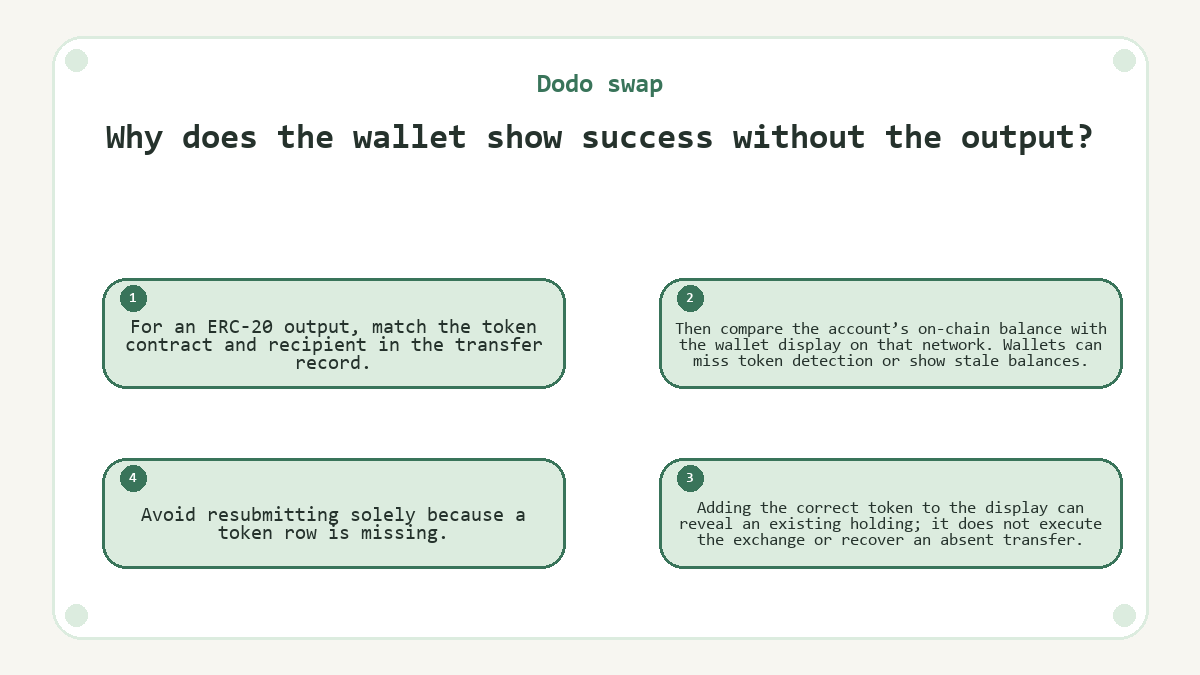
For an ERC-20 output, match the token contract and recipient in the transfer record. Then compare the account’s on-chain balance with the wallet display on that network. Wallets can miss token detection or show stale balances. Adding the correct token to the display can reveal an existing holding; it does not execute the exchange or recover an absent transfer. Avoid resubmitting solely because a token row is missing.
If the record shows failure, inspect the reported cause before changing anything. A transaction deadline failure calls for reconsidering the quote and timing. An allowance failure concerns spending permission. Treating both as a slippage problem can leave the original fault unresolved while accepting worse trade terms.
Closure depends on the final swap record
A completed first exchange has a successful swap record and an output credit matching the intended receiving account. Retain the swap hash separately from any approval hash so later questions refer to the correct operation. Once that exchange has completed, another swap request would be a new trade.
A still-pending transaction requires a different response. Where the wallet supports replacement or cancellation, those actions compete with the pending transaction through the account’s nonce. Cancellation is an attempt, not a guaranteed reversal, and a confirmed transaction cannot be cancelled. Establish the original transaction’s outcome before issuing a fresh trade request; otherwise, both separately authorized swaps may execute.
What to know about Dodo swap
Does changing wallet accounts preserve my first swap approval?
A different account does not inherit the original account’s spending allowance. ERC-20 approval belongs to a specific owner, token, and spender. After switching accounts, the exchange must evaluate the newly selected account’s balance and permission. A confirmation in the previous account’s activity does not authorize spending from the new account.
Do I need to approve the output token before receiving my first swap?
Receiving an ordinary ERC-20 transfer does not require the recipient to approve the incoming token. Approval authorizes a spender to take tokens from an owner’s balance. A later operation that spends your received tokens may require its own permission, but receiving them alone does not establish that requirement.
What happens if I close the browser after submitting the swap?
Closing the browser does not cancel a transaction already broadcast to the network. Its execution can continue without the trading page remaining open. Reopening the interface may restore a useful activity view, but the transaction’s network record determines its outcome. Do not interpret a closed session as evidence that submission stopped.
Is approval for the first swap also confirmation of a liquidity deposit?
A spending approval does not confirm a liquidity deposit. DODO separates authorization from operations that use the authorized tokens, including trading and liquidity management. A deposit needs its own successful execution evidence. The same permission may support multiple operations in the applicable contract architecture without proving that any particular operation occurred.
Will a native-asset input always produce an ERC-20 approval request?
A native asset supplied directly as transaction value does not use an ERC-20 allowance for that input. A wrapped version is a token and can require approval. The absence of an approval prompt therefore does not by itself indicate a missing step; inspect how the selected input enters the swap.
Last updated